
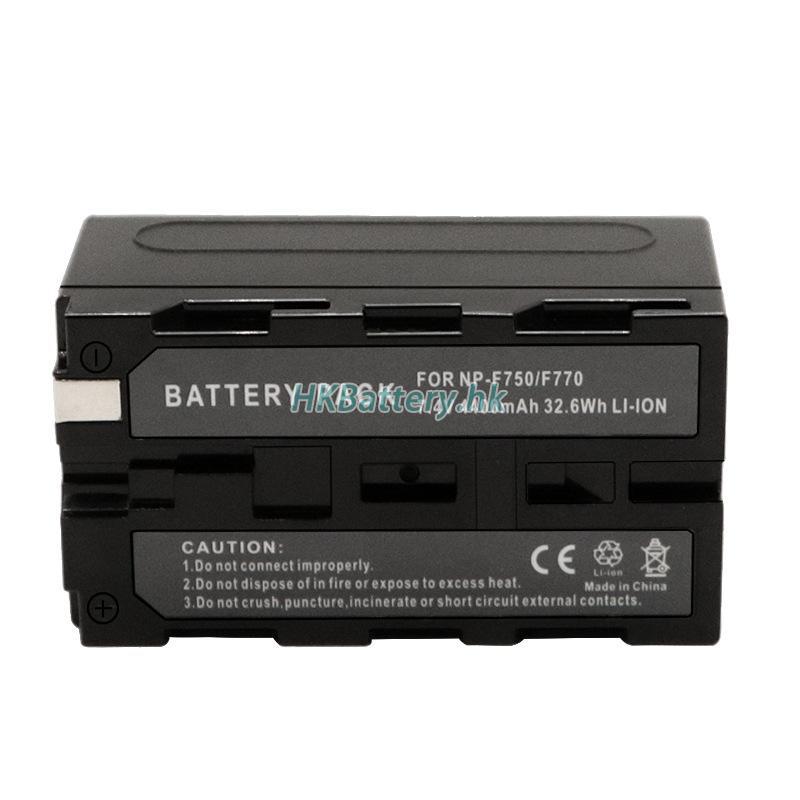
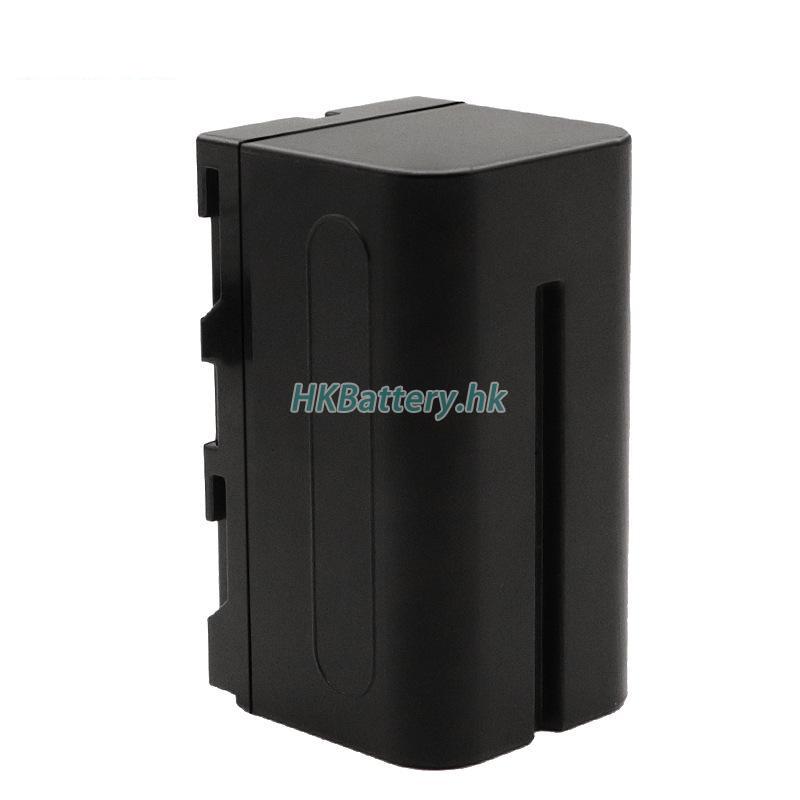
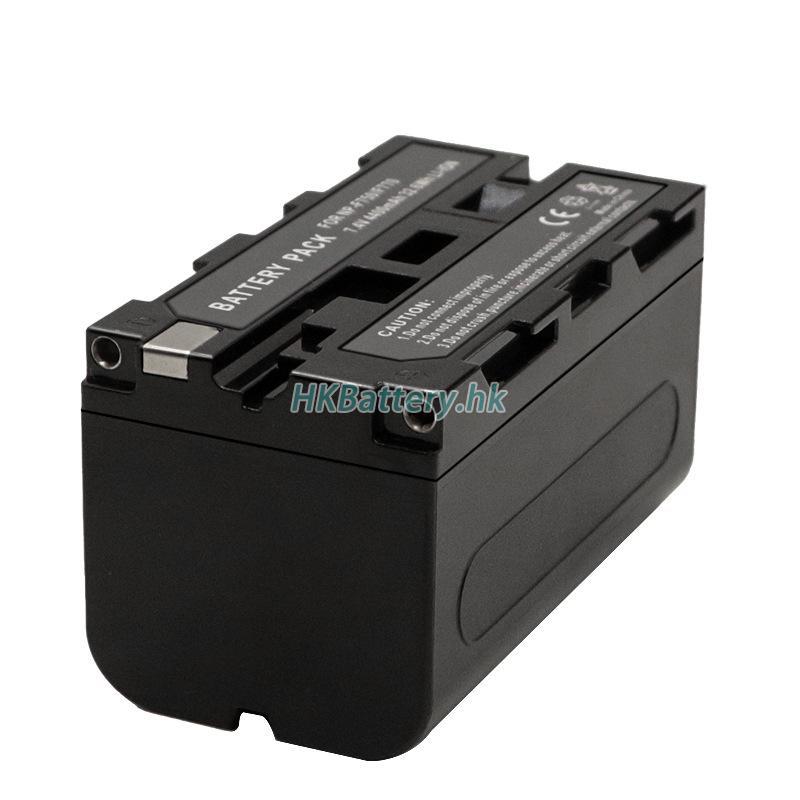
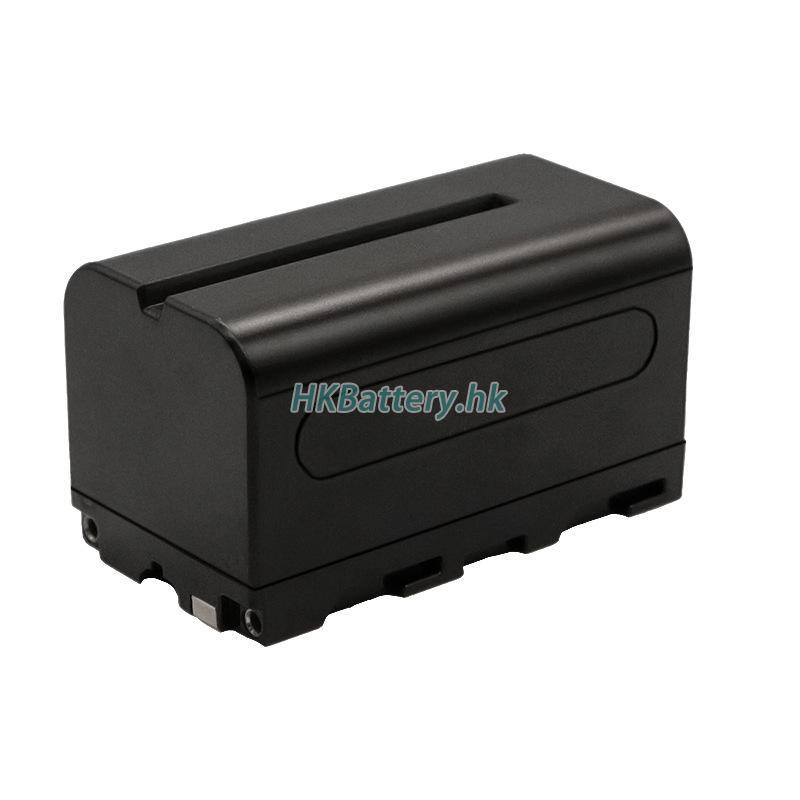
Brand New High-Quality Replacement Battery for Sony HDR-FX1
- SKUHKB1340
- ConditionBrand new, unused
- Voltage7.20 V
- Capacity31.68Wh
- Number of Cells2 Cells
- ShippingSF Express shipping, Free Delivery
- StockIn stock, delivered within 2-3 days
- Note
Brand New High-Quality Replacement Battery for Sony HDR-FX1
- SKUHKB21340
- ConditionBrand new, unused
- Voltage7.20 V
- Capacity31.68Wh
- Number of Cells2 Cells
- ShippingSF Express shipping, Free Delivery
- StockIn stock, delivered within 2-3 days
- Note
Product Description
Our brand-new Sony HDR-FX1 replacement battery uses next-generation imported high-density A+ cells with true capacity and stable performance.
With an upgraded smart protection chip, it helps protect against overcharge, over-discharge, overheating, and short circuit issues. Compared with old batteries, it is less prone to overheating and swelling.
Each battery goes through strict quality checks and safety certifications to ensure dependable daily use and excellent compatibility.
Compatible Battery / Device Model List
Shipping Methods
| Ship to | Shipping Methods | Estimated Delivery Time | Estimated Shipping Fee |
|---|---|---|---|
| 香港 | 順豐速運 | 2-3 business days | Free Shipping |
| 澳門 | 順豐速運 | 2-3 business days | Free Shipping |
Warranty & Returns
30-Day No-Questions-Asked Returns
If you decide to return the battery within 30 days of purchase, no reason or conditions are required. You can submit a return request at any time, giving you a worry-free shopping experience.
1-Year Warranty Service
Within one year of purchase, if there are any quality issues, you can choose a replacement or a full refund. We provide convenient after-sales service based on your needs to ensure a worry-free experience.
FAQ
- How do I properly install the HDR-FX1 battery?
After receiving the battery, please first compare its appearance with your original battery to ensure they match. Once confirmed, you can search for “HDR-FX1 battery installation” on YouTube and follow the relevant installation videos. If you are unable to find a suitable video, please contact our customer service to request one.
- Why does the new battery charge slowly?
A new battery may charge slowly because it retains some charge from the manufacturing process. This is normal. After a few full charge and discharge cycles, the charging speed will gradually return to normal.
- How can I extend the battery lifespan?
Avoid overcharging and over-discharging; keeping the battery level between 20%–80% is optimal.
Avoid using the battery alone for high-intensity tasks; it is recommended to use it while plugged in.
Avoid leaving the battery unused for long periods; regular charging and discharging is recommended to maintain its performance. - How long is the battery lifespan and usage time?
Battery lifespan depends on various factors, including usage frequency, charging cycles, and temperature. Generally, laptop batteries last between 1 to 3 years. Actual usage time may vary depending on the brand and model.
- How can I tell if I need to replace my battery?
If your battery shows issues such as slow charging, fast power drain, swelling, system crashes (blue screen), or lagging performance, it may indicate that the battery or device needs replacement. In most cases, replacing the battery is the more cost-effective and practical solution.